Have you ever found the perfect YouTube video, only to realize you won't have internet access when you actually want to watch it?
Whether it's a tutorial for work, a podcast for your commute, a lecture for school, or your favorite music playlist, having an offline copy can make life much easier.
The good news? It doesn't have to be complicated.
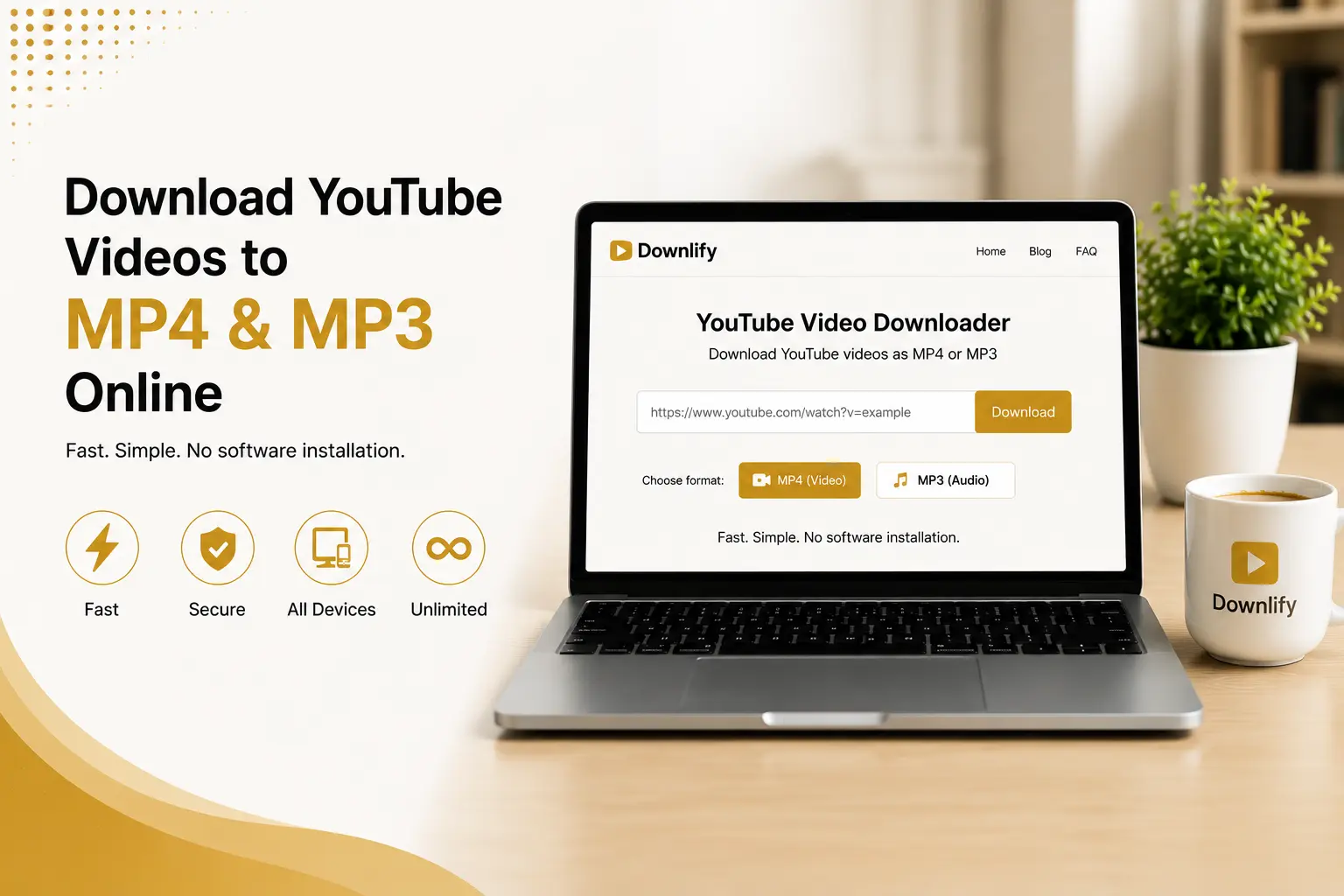
With Downlify, downloading YouTube videos as MP4 or extracting the audio as MP3 takes just a few clicks. No software installation, no lengthy setup, and no unnecessary distractions—just paste the link, choose your preferred format, and you're ready to go.
Why More People Are Downloading Videos Offline access isn't just about convenience—it's about flexibility.
Imagine being able to:
Watch tutorials while traveling. Save educational videos for later viewing. Listen to interviews and podcasts without using mobile data. Keep important content available even when your internet connection is unreliable. Having your content available offline means you're not dependent on a Wi-Fi signal whenever you need it.
MP4 or MP3? Choose What Works Best Sometimes you need the entire video.
Other times, you only need the audio.
That's why Downlify lets you choose between:
MP4 for high-quality video playback. MP3 for audio you can enjoy anywhere—perfect for podcasts, speeches, interviews, and educational content. No complicated settings. Just pick the format that fits your needs.
Fast, Private, and Easy One thing users consistently appreciate is simplicity.
Instead of dealing with confusing interfaces, endless pop-ups, or mandatory account creation, Downlify focuses on a straightforward experience:
Fast processing Multiple quality options No registration required Privacy-first design Works directly in your browser across supported platforms How It Works Using Downlify couldn't be easier:
Copy the YouTube video link. Paste it into Downlify. Choose MP4 or MP3. Download your file and enjoy it offline. The entire process usually takes less than a minute.
A Quick Reminder Always make sure you have the right to download or save any content. Respect creators' copyrights, licensing terms, and YouTube's Terms of Service when downloading videos. Only download content where you have permission or where applicable laws and platform rules allow it.
Ready to Try It? If you're looking for a quick and straightforward way to save YouTube videos as MP4 or convert them to MP3, we've put together a complete guide that walks you through everything you need to know.
Read the full article here:
The Fastest Way to Download YouTube Videos to MP4 & MP3 Online
Happy downloading!
Comments (0)
Leave a Comment