Every day, millions of people watch videos on YouTube. From educational tutorials and podcasts to music, documentaries, interviews, and entertainment, YouTube has become one of the world's largest libraries of digital content.
But what happens when you want to watch a video without an internet connection? Maybe you're traveling, trying to save mobile data, or simply want quick access to content whenever you need it.
That's where downloading videos for offline viewing can be useful.
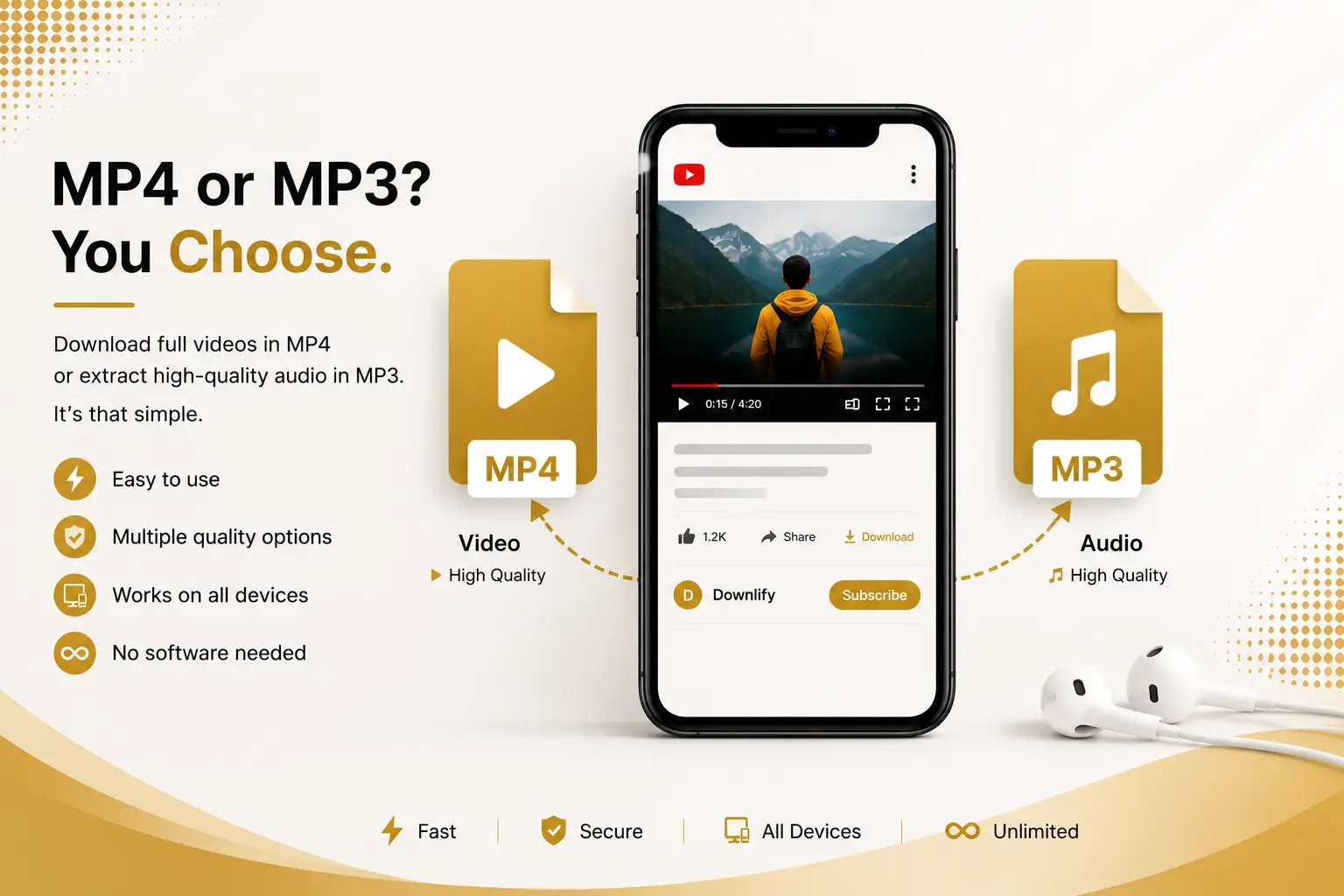
With Downlify, you can easily convert YouTube videos into MP4 for offline viewing or extract the audio as MP3 for listening on your phone, laptop, or other devices. The process is straightforward, requires no software installation, and works directly from your browser.
Why Download YouTube Videos?
There are many legitimate reasons why people choose to save videos for offline access.
Learn Anywhere
Students often download educational videos before traveling or commuting so they can continue learning without relying on internet access.
Save Mobile Data
Streaming high-definition videos repeatedly can quickly consume mobile data. Downloading once lets you watch multiple times without additional data usage.
Watch During Travel
Flights, trains, and remote areas don't always provide reliable internet. Offline videos remain accessible wherever you are.
Listen Without Video
Sometimes you only need the audio. Podcasts, interviews, motivational speeches, and lectures can all be enjoyed as MP3 files.
MP4 vs MP3: Which Format Should You Choose?
Choosing the right format depends on how you plan to use the content.
MP4
MP4 is ideal when you want the complete experience.
Perfect for:
- Educational tutorials
- Cooking demonstrations
- Fitness workouts
- Gaming videos
- Product reviews
- Travel vlogs
Since MP4 includes both video and audio, you won't miss any visual details.
MP3
MP3 keeps only the audio.
This is great for:
- Podcasts
- Interviews
- Audiobooks
- Music
- Motivational talks
- Language lessons
Audio files are generally much smaller than video files, making them convenient for listening on the go.
How Downlify Makes Downloading Simple
One of the biggest frustrations with many online downloaders is unnecessary complexity.
Some websites overwhelm users with pop-ups, forced registrations, or confusing download buttons.
Downlify focuses on a cleaner experience:
- Easy-to-use interface
- Browser-based downloads
- Support for multiple formats
- No software installation required
- Works across desktop and mobile browsers
Whether you're using Windows, macOS, Linux, Android, or iPhone, you only need your browser and a valid video link.
How to Download a YouTube Video
Downloading with Downlify only takes a few steps:
Step 1
Copy the YouTube video URL.
Step 2
Open Downlify.
Step 3
Paste the URL into the download box.
Step 4
Choose whether you want:
- MP4
- MP3
Step 5
Wait while the file is prepared.
Step 6
Download your file.
That's it.
Common Uses for Offline Videos
People use downloaded videos for many practical purposes.
Students
Save lectures before exams.
Teachers
Prepare classroom materials in advance.
Travelers
Watch content without paying for expensive internet access.
Professionals
Save webinars and training sessions for later review.
Podcast Listeners
Convert long interviews into MP3 and listen while commuting.
Tips for Faster Downloads
You can often improve your experience by following a few simple tips:
- Use a stable internet connection.
- Paste the complete YouTube link.
- Close unnecessary browser tabs if your computer is low on memory.
- Download during periods of lower network congestion if your connection is slow.
- Choose a file quality that suits your needs.
Frequently Asked Questions
Is Downlify free?
Downlify offers a simple web-based experience that allows users to prepare supported content for download directly from their browser. Check the website for any current limits or available features.
Do I need to install software?
No.
Everything works directly in your browser.
Can I download audio only?
Yes.
If you only need the soundtrack, choose the MP3 option.
Can I use my phone?
Yes.
Downlify works on modern mobile browsers as well as desktop browsers.
Is registration required?
Many features are available without installing software. Depending on future features or account options, check the latest information on the Downlify website.
Download Responsibly
Downloading content comes with responsibilities.
Always respect:
- Copyright law
- The creator's rights
- YouTube's Terms of Service
- Any licensing conditions that apply to the content
Only download videos when you have permission, when the content is your own, or when applicable laws and platform rules allow it.
Supporting creators by watching, subscribing, purchasing, or otherwise engaging with their official channels helps them continue producing great content.
Why Users Choose Downlify
People appreciate tools that are easy to understand and straightforward to use.
Downlify is designed with that goal in mind:
- Simple interface
- Quick workflow
- Browser-based convenience
- Multiple download formats
- Support for popular platforms
- No complicated setup
Whether you're preparing study materials, saving tutorials, or listening to educational content offline, Downlify helps streamline the process.
Final Thoughts
Offline access can make educational content, podcasts, tutorials, and other videos more convenient to enjoy whenever you need them.
If you're looking for an easy way to prepare YouTube videos as MP4 files or extract audio as MP3, Downlify provides a straightforward browser-based solution that keeps the process simple.
Give it a try, explore the available options, and remember to download responsibly while respecting the rights of content creators.
Comments (0)
Leave a Comment