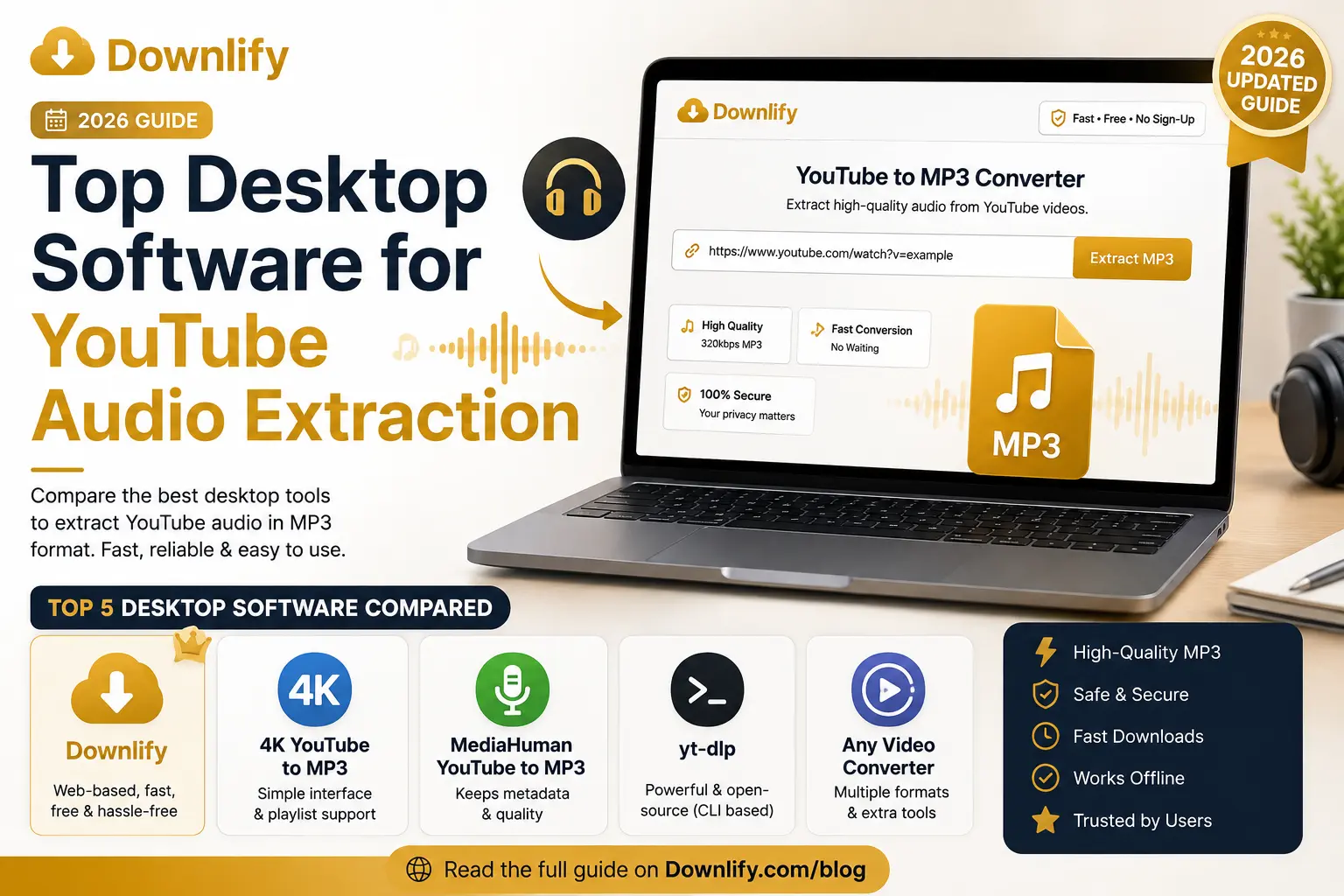
Extracting audio from YouTube videos is useful for listening to podcasts, educational lectures, interviews, royalty-free music, and other content you have permission to download. While many desktop applications can perform this task, not all offer the same balance of speed, simplicity, privacy, and compatibility.
In this guide, we'll compare five of the best desktop software solutions for YouTube audio extraction and explain why Downlify stands out as the easiest and most privacy-focused option.
What Makes a Great YouTube Audio Extraction Tool?
Before choosing software, look for these features:
- High-quality MP3 downloads
- Fast conversion speeds
- Simple interface
- Privacy-focused
- No unnecessary advertisements
- Multiple format support
- Regular updates
- Cross-platform compatibility
Let's compare the top options.
1. Downlify (Recommended)
Best for: Fast, browser-based audio extraction without installing software.
Unlike traditional desktop applications, Downlify runs directly in your browser, eliminating the need to install software while still delivering fast, high-quality downloads.
Pros
- Free to use
- No installation required
- Clean, modern interface
- Privacy-first design
- No account required
- Supports MP3 and MP4
- Works on Windows, macOS, Linux, Android, and iPhone
- Regularly updated
- Multi-platform support beyond YouTube
Cons
- Requires an internet connection
Why We Recommend Downlify
Many desktop programs eventually become outdated or require manual updates whenever YouTube changes its platform. Downlify handles updates on the server side, so users always access the latest version without downloading new software.
It's also one of the few downloaders designed with simplicity and privacy as core principles.
Perfect for:
- Students
- Researchers
- Content creators
- Podcasters
- Everyday users
2. 4K YouTube to MP3
Best for: Users who prefer dedicated desktop software.
4K YouTube to MP3 has been a popular desktop application for years. It supports playlists and high-quality audio extraction.
Pros
- Easy interface
- Playlist support
- Good audio quality
- Windows and macOS support
Cons
- Some features require a paid license
- Installation required
- Requires software updates
3. MediaHuman YouTube to MP3 Converter
MediaHuman focuses on converting YouTube videos into audio files while preserving metadata such as artist names and album artwork when available.
Pros
- Metadata support
- Playlist downloads
- Multiple audio formats
Cons
- Desktop installation required
- Premium features available
- Larger resource usage
4. yt-dlp
Best for: Advanced users and developers.
yt-dlp is one of the most powerful open-source download utilities available.
Pros
- Extremely powerful
- Open source
- Highly customizable
- Frequent updates
Cons
- Command-line interface
- Steeper learning curve
- Not beginner friendly
5. Any Video Converter Free
Although primarily a video converter, Any Video Converter also supports extracting audio from online videos.
Pros
- Multiple output formats
- Video editing tools
- Good conversion speed
Cons
- Interface can feel cluttered
- Additional features may be unnecessary if you only need audio extraction
Downlify
Desktop software certainly has its place, but browser-based downloaders have become increasingly popular.
Downlify offers several advantages over traditional desktop applications:
No Software Installation
Skip lengthy downloads and installation wizards. Open your browser and start downloading.
Always Up-to-Date
Since Downlify is web-based, you never have to manually update the software.
Works Everywhere
Whether you're using Windows, macOS, Linux, Android, or iPhone, Downlify works from any modern browser.
Clean Experience
Many downloaders are filled with pop-ups or confusing buttons. Downlify focuses on a clean, distraction-free interface.
Privacy-First
No account creation is required, allowing you to download supported content quickly without unnecessary barriers.
Tips for Organizing Downloaded Audio
Once you've extracted your audio files, it's worth keeping them organized.
Create folders for:
- Music
- Podcasts
- Audiobooks
- Educational Content
- Interviews
Read our guide "Organize Your MP3 Library" to learn how to build a clean, searchable audio collection.
If you're new to audio downloads, you may also enjoy "Convert YouTube Videos to MP3", which explains the process step by step.
Looking for an online solution instead of desktop software? Check out our guide "Free YouTube to MP3 Downloader & Converter" to see why thousands of users choose Downlify.
Frequently Asked Questions
Is Downlify desktop software?
No. Downlify is a web-based downloader that works directly in your browser, eliminating the need to install or update desktop software.
Which software is best for beginners?
Downlify is the easiest option because there is nothing to install. Simply paste your supported video URL, choose your preferred format, and download.
Which tool is best for advanced users?
If you're comfortable using the command line, yt-dlp offers the most flexibility and customization.
Can I extract audio in MP3 format?
Yes. All of the tools listed above support MP3 audio extraction, though available quality settings and features vary.
Final Verdict
If you're looking for a traditional desktop application, 4K YouTube to MP3 and MediaHuman remain strong choices, while yt-dlp is ideal for power users who want maximum control.
However, for most people, Downlify provides the best overall experience. Because it's browser-based, you don't need to install software, worry about updates, or navigate a cluttered interface. It delivers fast, high-quality downloads with a privacy-first approach and works across virtually every modern device.
Whether you're saving educational lectures, podcasts, interviews, or other content you have permission to download, Downlify offers a simple and reliable solution.
Comments (1)
Leave a Comment