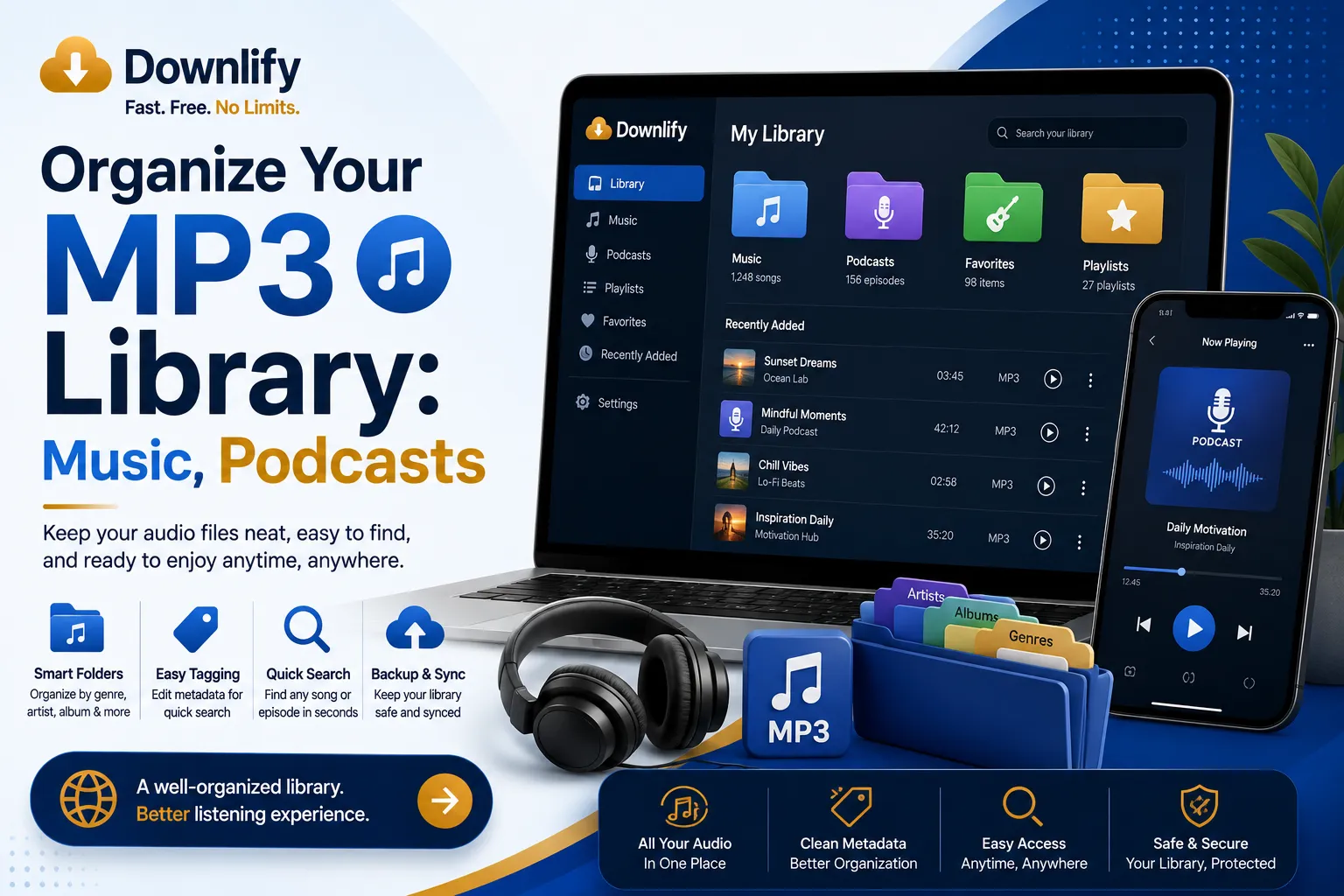
Digital audio collections have a remarkable tendency to grow faster than expected. A handful of downloaded songs soon becomes hundreds. Podcasts accumulate after every commute, educational recordings pile up from online courses, and before long, finding a single file feels like searching for a needle in a haystack.
Fortunately, creating a well-organized MP3 library doesn't require advanced software or hours of meticulous work. A logical folder structure can transform a chaotic collection into a clean, intuitive archive that's easy to browse and enjoyable to maintain.
Why an Organized MP3 Library Matters
The Hidden Cost of Digital Clutter
A disorganized library wastes more than storage space—it consumes time. Every minute spent scrolling through poorly named files or guessing which folder contains a favorite podcast is time that could have been spent enjoying the content instead.
Digital clutter also increases the likelihood of downloading duplicate files, losing valuable recordings, or forgetting educational resources that could still be useful.
How Organization Improves Everyday Listening
When everything has a designated place, listening becomes effortless. Whether you're preparing for a workout, commuting to work, or studying for an exam, you can locate the exact audio you need within seconds.
Instead of relying solely on search, you develop a natural mental map of your collection. Navigation becomes instinctive rather than frustrating.
Long-Term Benefits of a Structured Collection
An organized library scales gracefully. As new albums, podcast episodes, and lectures are added, they fit seamlessly into an existing framework.
This systematic approach also simplifies backups, device transfers, and synchronization across multiple computers or smartphones.
Create Clear Categories for Every Type of Audio
Build Separate Folders for Music
Music often represents the largest portion of an MP3 library. Keeping it separate from every other type of audio prevents unnecessary clutter.
A practical structure might look like this:
- Music
- Artist
- Album
- Track files
This arrangement makes it easy to browse by artist while preserving complete albums in their intended order.
Keep Podcasts Neatly Arranged
Podcast collections can quickly become overwhelming because new episodes arrive regularly.
Organize podcasts by show name first, then optionally by year or season if the collection grows substantially.
For example:
- Podcasts
- Technology Weekly
- History Explained
- Health Insights
This structure keeps episodes together and makes binge listening significantly more convenient.
Store Educational Content by Subject
Educational audio deserves its own dedicated space.
Instead of storing every lecture in one folder, group them by subject or course. For instance:
- Educational Content
- Programming
- Business
- Languages
- Science
- Personal Development
This taxonomy allows learning materials to remain accessible long after they were originally downloaded.
Make Room for Audiobooks and Other Audio Files
Not every audio file belongs in the music folder.
Consider creating additional categories such as:
- Audiobooks
- Meditation
- Sound Effects
- Language Lessons
- Voice Recordings
- Interviews
- Miscellaneous Audio
Each category becomes a self-contained repository, reducing confusion while preserving flexibility.
Develop a Folder Structure That Lasts
Choose Consistent Folder Names
Consistency is surprisingly powerful.
Avoid mixing naming styles like:
- My Songs
- music
- MUSIC FILES
Instead, adopt one clear convention and use it everywhere. Uniform naming improves readability and creates a more polished library.
Organize by Artist, Creator, or Topic
Different content benefits from different organizational principles.
For music, artists and albums work naturally.
For podcasts, organize by show name.
For educational material, use subjects or instructors.
For audiobooks, sorting by author often proves more useful than sorting by title.
Choosing the most logical hierarchy for each category minimizes future reorganization.
Sort Files with Meaningful Naming Conventions
Cryptic filenames such as:
- Track01.mp3
- audio_final2.mp3
- recording_new.mp3
provide almost no useful information.
Instead, use descriptive filenames like:
- 01 - Intro.mp3
- Episode 42 - Productivity Tips.mp3
- Chapter 05 - Data Structures.mp3
Clear filenames improve visibility even outside your media player.
Maintain Your Library Without the Hassle
Schedule Regular Cleanups
Organization isn't a one-time project.
Set aside a few minutes every month to move newly downloaded files into their proper folders. Small maintenance sessions prevent large-scale disorder from developing.
Remove Duplicates and Outdated Files
Duplicate tracks quietly consume storage space.
Occasionally review your collection for repeated downloads, obsolete recordings, or incomplete files. Removing unnecessary copies keeps your library lean and easier to navigate.
Back Up Your Collection for Peace of Mind
An organized library deserves protection.
Maintain at least one backup on an external drive or a trusted cloud storage service. Hardware failures happen unexpectedly, but a reliable backup ensures years of carefully collected audio aren't lost overnight.
Make Finding Audio Effortless
Use Metadata and Tags Effectively
Folders provide the foundation, while metadata adds another layer of organization.
Ensure each file contains accurate information such as:
- Title
- Artist
- Album
- Genre
- Year
- Track Number
Most modern media players use these tags to create smarter browsing experiences and cleaner playlists.
Take Advantage of Playlists Alongside Folders
Folders store files permanently. Playlists organize them temporarily.
For example, create playlists for:
- Morning Motivation
- Study Sessions
- Workout Mix
- Road Trips
- Relaxation
This allows the same file to appear in multiple listening scenarios without creating duplicate copies.
Create a Library That Grows with Your Interests
An effective MP3 library isn't rigid—it evolves.
As your listening habits change, add new categories or refine existing ones without abandoning your overall structure. A flexible system accommodates new music genres, emerging podcast subscriptions, additional learning resources, and fresh interests while remaining intuitive.
Final Thoughts
A thoughtfully organized MP3 library transforms scattered audio files into a coherent digital collection. By separating music, podcasts, educational content, audiobooks, and other recordings into clearly labeled folders, you create an environment where every file has a logical home. Pair that structure with consistent naming, accurate metadata, routine maintenance, and reliable backups, and you'll spend far less time searching—and far more time enjoying the content that matters most.
Comments (0)
Leave a Comment