You don't always need another app on your phone to save videos for offline viewing.
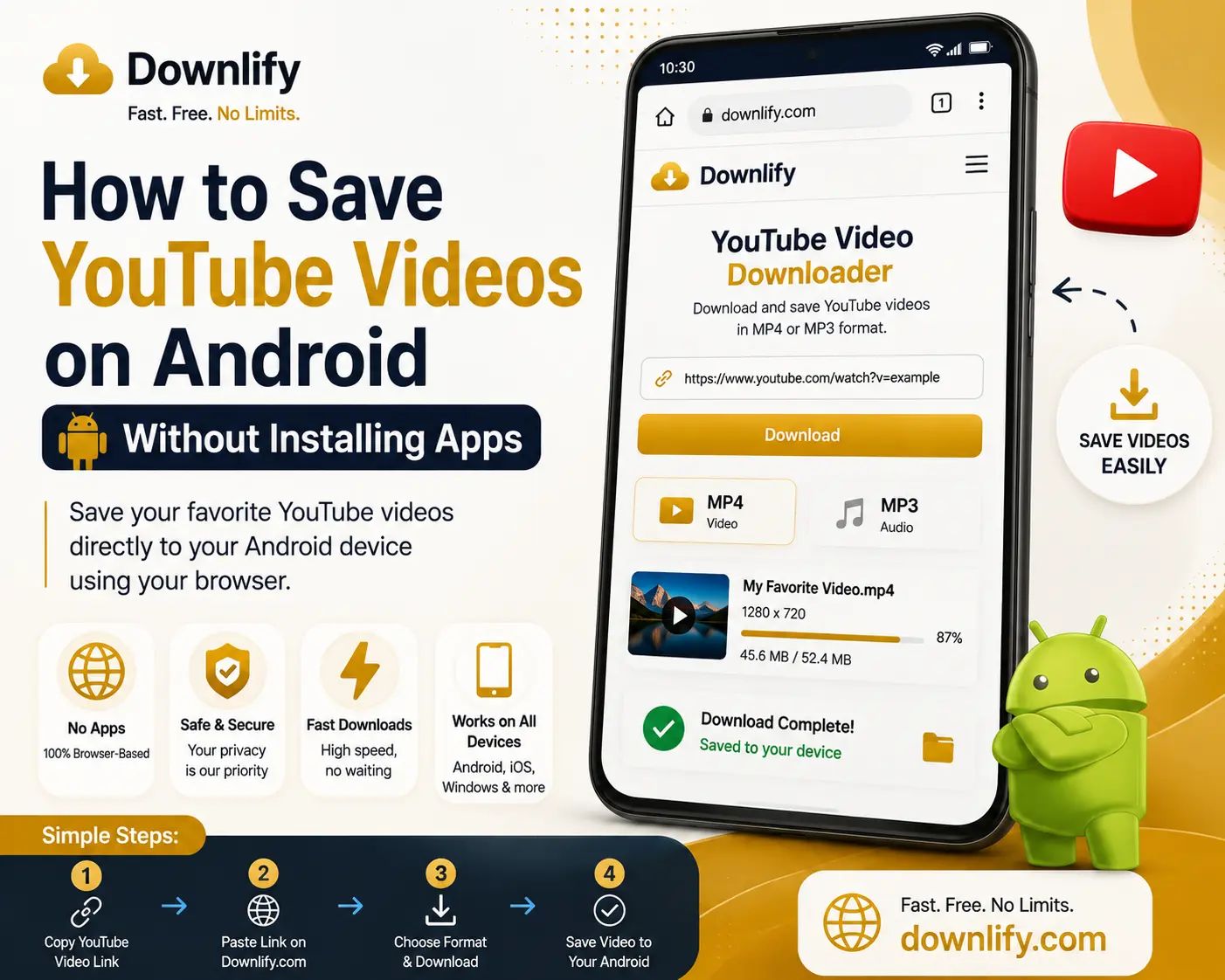
With Downlify, Android users can use their mobile browser to prepare supported YouTube videos without installing additional software.
Steps
- Copy the video URL.
- Visit Downlify.
- Paste the link.
- Choose MP4 or MP3.
- Download your file.
This browser-based approach helps keep your phone uncluttered while providing quick access to supported downloads.
Related Guides
- How to Download YouTube Videos on iPhone and iPad
- Common YouTube Download Errors and How to Fix Them
Comments (0)
Leave a Comment