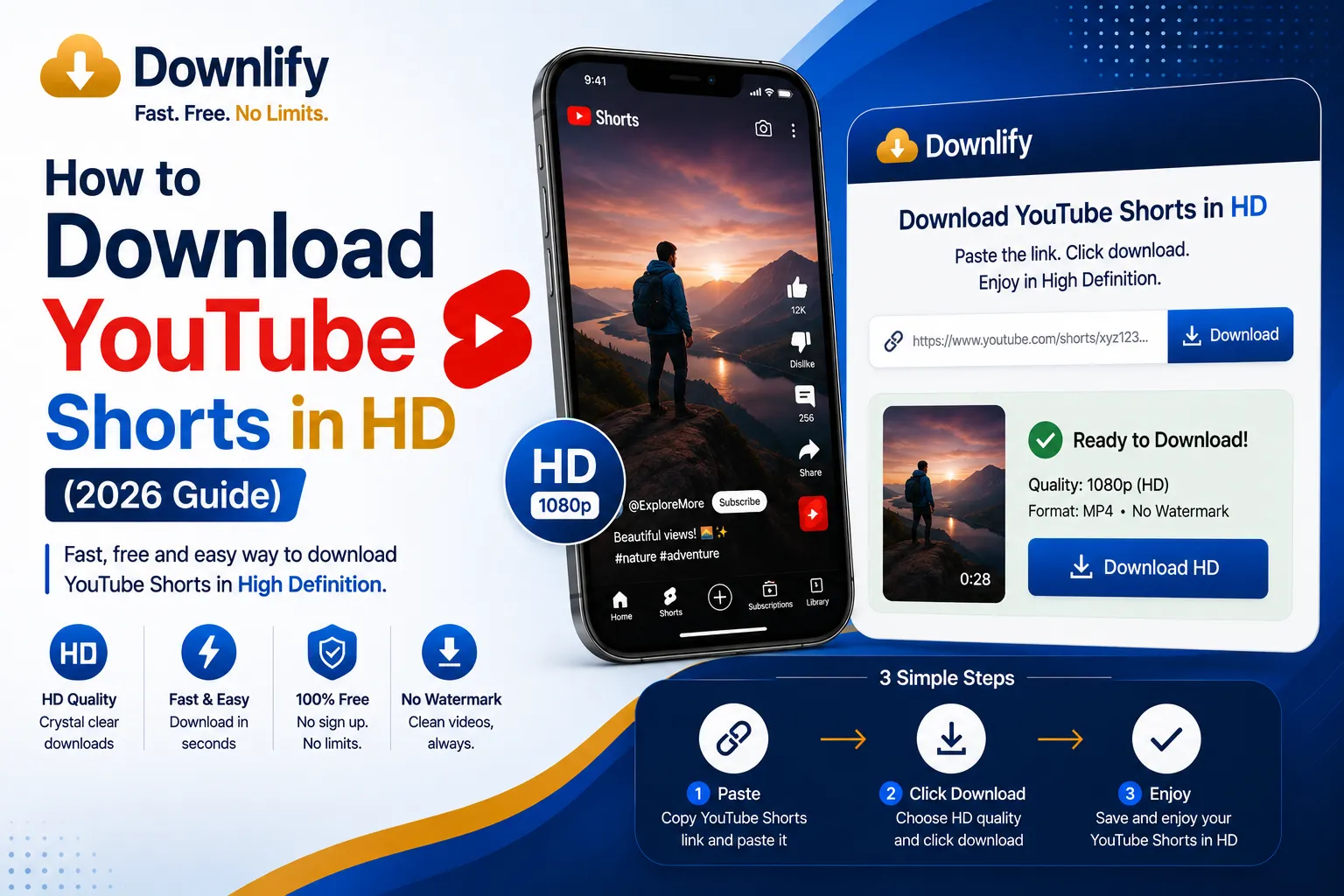
YouTube Shorts have become one of the fastest-growing ways to watch short-form videos, from quick tutorials and recipes to comedy clips and travel highlights. Sometimes you may want to save a Short to watch later when you don't have an internet connection.
Using a browser-based tool like Downlify, you can prepare supported YouTube Shorts for offline viewing in just a few simple steps.
Why Download YouTube Shorts?
- Watch offline while traveling
- Save mobile data
- Keep educational Shorts for later
- Rewatch favorite clips without searching again
How It Works
- Copy the YouTube Shorts link.
- Open Downlify.
- Paste the URL.
- Select your preferred video quality.
- Download and enjoy offline.
Remember to respect copyright and YouTube's Terms of Service, and only download content when you have permission to do so.
Related Guides
- The Fastest Way to Download YouTube Videos to MP4 & MP3 Online
- MP4 vs MP3: Which Format Is Right for You?
Comments (0)
Leave a Comment