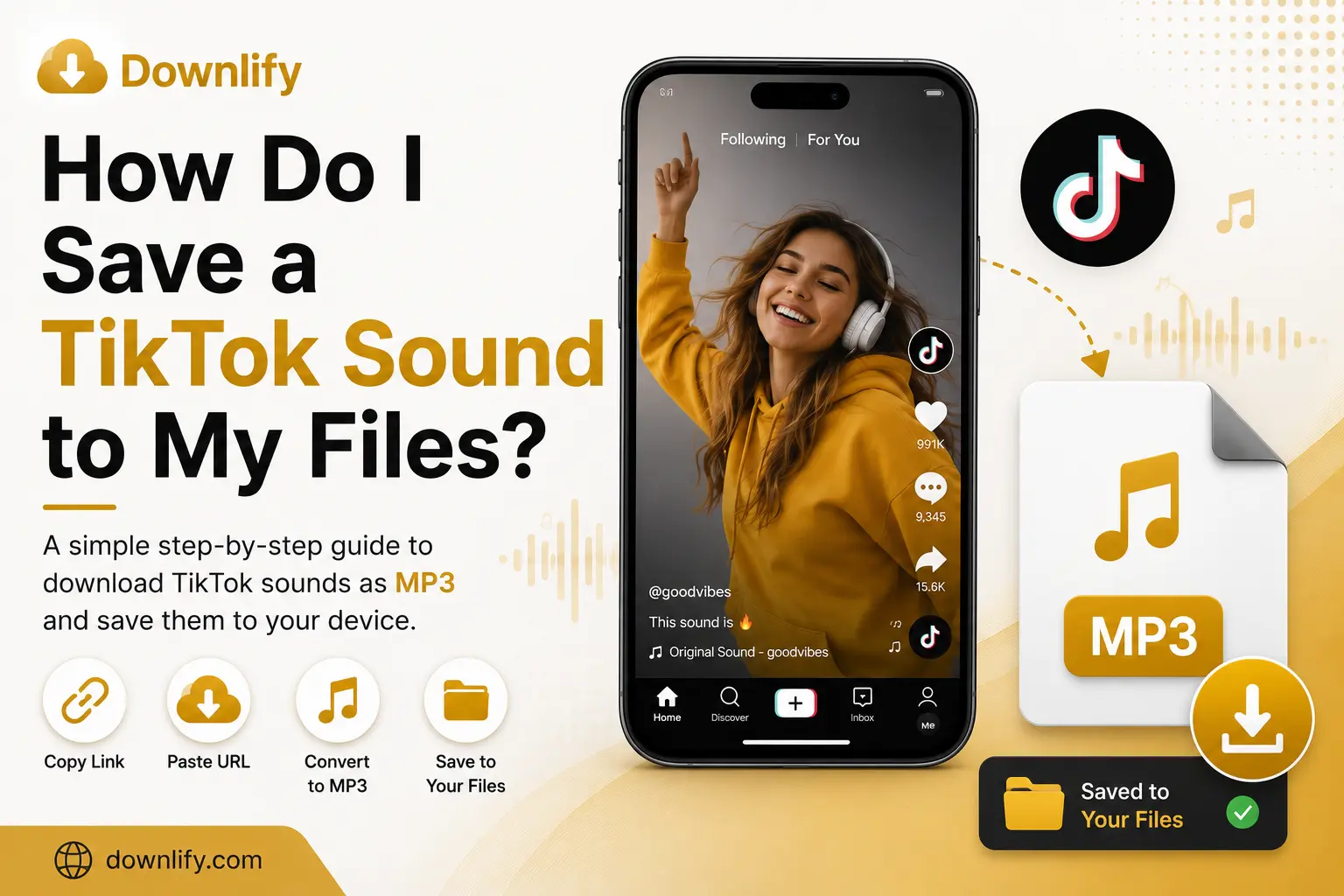
TikTok is packed with catchy songs, funny sound bites, podcasts, and inspiring speeches. Sometimes, you want to save a sound to your device so you can listen to it offline or keep it for future reference.
The good news? It's easy.
With Downlify, you can save audio from public TikTok videos to your files in just a few clicks—no software installation or account required.
Let's walk through the process.
Saving audio with Downlify is fast and beginner-friendly.
Step 1: Copy the TikTok Video Link
Open TikTok and find the public video containing the sound you want.
Tap the Share button and select Copy Link.
Step 2: Open Downlify
Visit Downlify.com in your browser.
Paste the copied TikTok link into the download box.
Step 3: Choose MP3
Select MP3 as the output format.
Downlify will extract the audio from the public TikTok video.
Step 4: Download the File
Click Download.
Once the process finishes, the MP3 file will be saved to your device. Depending on your browser and device, you'll usually find it in your Downloads folder or your chosen download location.
Why Save a TikTok Sound?
Saving TikTok audio gives you quick access whenever you need it, even without an internet connection.
People commonly save TikTok sounds to:
- Listen offline
- Save original audio they've created
- Keep educational clips for study
- Archive motivational speeches
- Organize royalty-free audio they have permission to use
Always make sure you have permission to download and use the content, and respect copyright and creators' rights.
Why Use Downlify?
There are plenty of download tools online, but Downlify keeps things simple.
Here's what makes it different:
- ✅ Free to use
- ✅ No sign-up required
- ✅ No software to install
- ✅ Fast downloads
- ✅ Privacy-first experience
- ✅ Clean, easy-to-use interface
- ✅ Works on Windows, macOS, Android, iPhone, and Linux
- ✅ Supports multiple social media platforms
Whether you're using a laptop, tablet, or smartphone, Downlify works directly in your browser.
More Downlify Guides
Looking for more helpful tips? Check out these popular articles:
- How to Convert TikTok Song to MP3
- Convert YouTube Videos to MP3
- Free YouTube to MP3 Downloader & Converter
- Top Desktop Software for YouTube Audio Extraction
These guides cover everything from downloading audio to choosing the best tools for offline listening.
Comments (0)
Leave a Comment