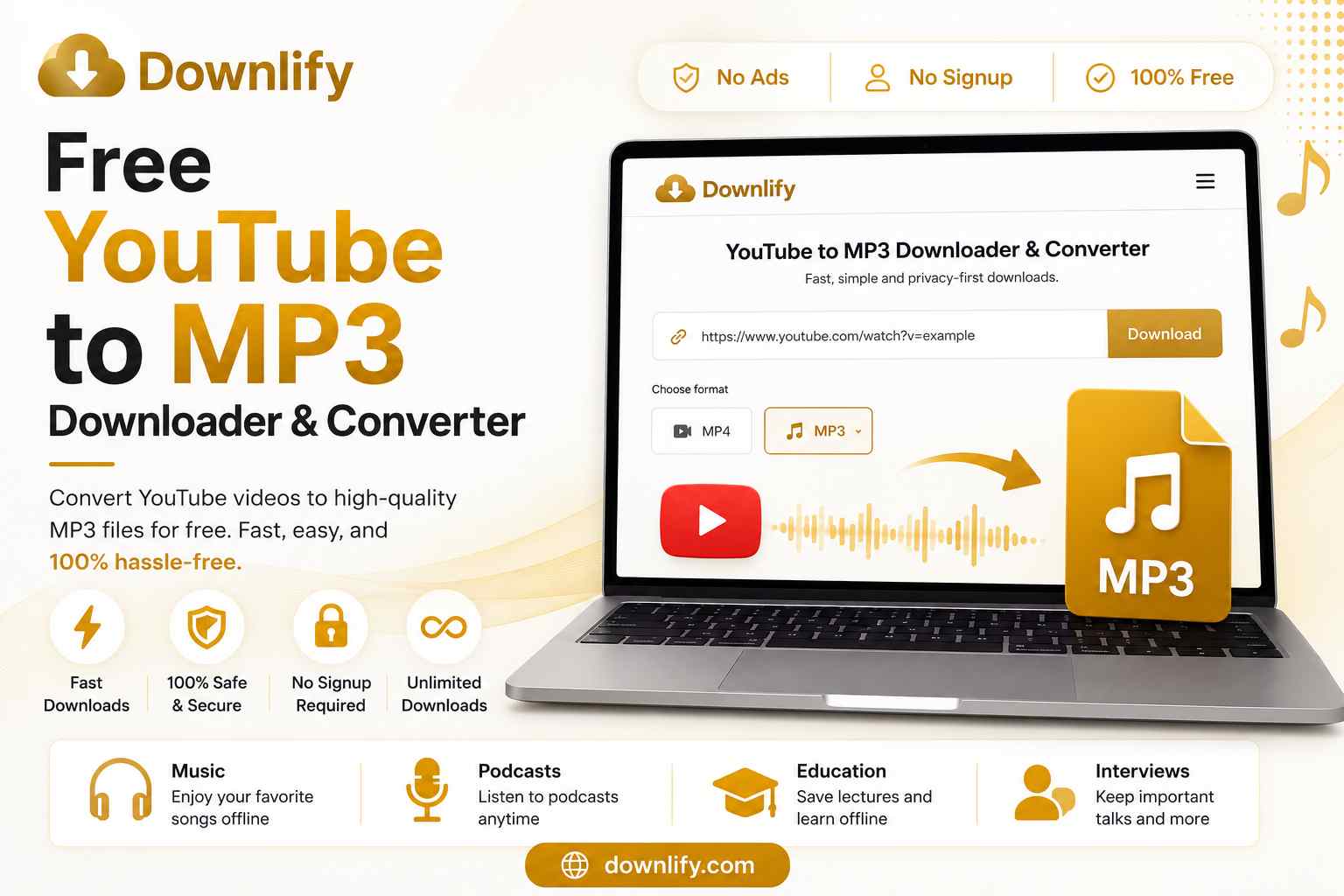
Want to save audio from your favorite YouTube videos? Whether it's music, podcasts, interviews, or educational lectures, Downlify makes it easy to convert YouTube videos to MP3 for free. With fast processing, a clean interface, and no sign-up required, you can download high-quality MP3 files in just a few clicks.
If you're looking for a free YouTube to MP3 downloader and converter, you've come to the right place.
Why Convert YouTube Videos to MP3?
MP3 is one of the most popular audio formats because it works on virtually every device. Converting YouTube videos to MP3 lets you enjoy your favorite content offline without streaming.
Common reasons people convert YouTube videos to MP3 include:
- Listening to music offline
- Saving podcasts for travel
- Downloading educational lectures
- Keeping motivational speeches
- Reducing mobile data usage
Whether you're studying, commuting, or relaxing, MP3 files give you the flexibility to listen whenever you want.
Why Choose Downlify?
Downlify is designed to provide a simple and reliable downloading experience. Unlike many online converters filled with pop-ups and misleading buttons, Downlify focuses on speed, privacy, and ease of use.
Features of Downlify
- ✅ Free YouTube to MP3 conversion
- ✅ Fast download speeds
- ✅ No registration required
- ✅ No software installation
- ✅ Works on desktop and mobile
- ✅ Privacy-first downloader
- ✅ Clean and user-friendly interface
- ✅ Supports multiple media platforms
Our goal is simple: make downloading online media quick, secure, and hassle-free.
How to Convert YouTube Videos to MP3
Converting a YouTube video with Downlify only takes a minute.
Step 1: Copy the Video URL
Open YouTube and copy the link to the video you want to convert.
Step 2: Paste the Link
Visit Downlify and paste the YouTube URL into the download box.
Step 3: Choose MP3
Select MP3 as your preferred download format.
Step 4: Download
Click the Download button and wait a few moments while Downlify converts the video into a high-quality MP3 file.
Your audio will be ready to save to your device.
Listen Anywhere, Anytime
Once your MP3 has been downloaded, you can enjoy it almost anywhere.
Perfect for:
- Road trips
- Flights
- Gym workouts
- Offline studying
- Daily commuting
- Long walks
Since MP3 files are compact, they take up less storage while maintaining excellent audio quality.
Organize Your MP3 Library
Downloading audio is only the first step. Keeping your files organized makes them much easier to find later.
Create folders such as:
- Music
- Podcasts
- Educational Content
- Audiobooks
- Interviews
You can learn more about organizing your downloads in our guide, "Organize Your MP3 Library."
If you're new to audio conversion, our article "Convert YouTube Videos to MP3" also explains the basics and best practices for downloading audio from YouTube.
Is It Safe to Use Downlify?
Yes.
Downlify is built with user privacy in mind. There are no mandatory accounts, unnecessary permissions, or intrusive advertisements that interrupt your experience.
Simply paste your link, choose your format, and download.
Frequently Asked Questions
Is Downlify free?
Yes. Downlify is completely free to use.
Do I need to create an account?
No. You can start downloading immediately without signing up.
Does Downlify work on mobile devices?
Yes. Downlify works on Android, iPhone, tablets, Windows, macOS, and Linux using any modern web browser.
Can I download more than one file?
Yes. You can convert and download as many supported videos as you need.
Final Thoughts
If you're searching for a free YouTube to MP3 downloader and converter, Downlify offers a fast, simple, and privacy-focused solution. With no sign-up, no software installation, and support for high-quality MP3 downloads, it's an easy way to enjoy your favorite audio offline.
Whether you're downloading music, podcasts, lectures, or interviews, Downlify helps you convert YouTube videos to MP3 in just a few clicks.
Comments (0)
Leave a Comment