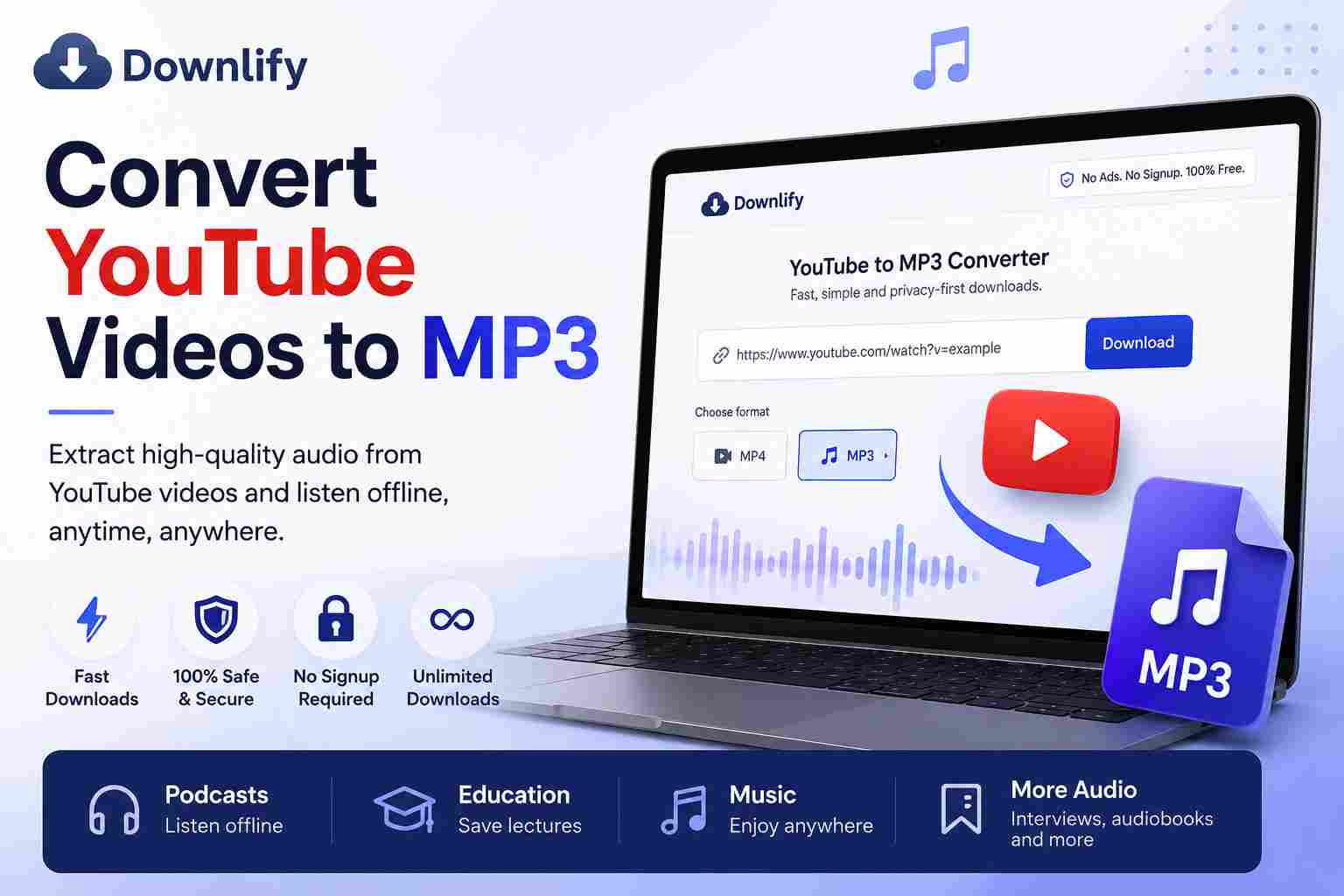
Have you ever wanted to save the audio from a YouTube video so you can listen to it anytime? Whether it's a podcast, lecture, interview, or your favorite music, converting YouTube videos to MP3 is one of the easiest ways to enjoy audio offline.
With Downlify, you can convert YouTube videos to MP3 quickly, securely, and for free—without creating an account or installing software. Downlify is a privacy-first, open-source media downloader that supports multiple platforms while keeping the download process simple and fast.
Why Convert YouTube Videos to MP3?
MP3 files are lightweight, compatible with almost every device, and perfect for offline listening. Converting a YouTube video to MP3 is useful when you want to:
- Listen to podcasts on the go.
- Save educational lectures for offline study.
- Enjoy interviews without streaming.
- Reduce data usage while traveling.
- Build your personal audio library.
How to Convert YouTube Videos to MP3
Using Downlify is straightforward:
- Copy the YouTube video URL.
- Visit Downlify.
- Paste the link into the download box.
- Select MP3 as your preferred format.
- Click Download and save the audio to your device.
There are no accounts to create, no ads to interrupt your experience, and no unnecessary steps. Downlify is designed to make downloading as simple as possible.
Why Choose Downlify?
Many online downloaders are filled with intrusive ads, slow download speeds, or complicated interfaces. Downlify focuses on a better experience by offering:
- Free downloads
- No registration required
- No ads
- Privacy-first design
- Open-source technology
- Fast downloads
- Support for multiple platforms, including YouTube
Because Downlify doesn't require an account, you can start downloading your favorite audio in seconds.
Tips for Organizing Your MP3 Files
After downloading your MP3 files, keep them organized so they're easy to find later.
Create folders such as:
- Music
- Podcasts
- Educational Content
- Audiobooks
- Interviews
A well-organized library helps you enjoy your audio collection without searching through dozens of files.
Frequently Asked Questions
Is Downlify free?
Yes. Downlify is completely free to use and does not require you to create an account.
Do I need to install software?
No. Downlify works directly in your web browser, so there's nothing to install.
Can I use Downlify on my phone?
Yes. Downlify works on desktop computers, tablets, and smartphones with a modern web browser.
Final Thoughts
If you're looking for a fast, private, and easy way to convert YouTube videos to MP3, Downlify is an excellent choice. With its clean interface, open-source approach, and commitment to user privacy, you can download audio without unnecessary distractions.
Visit Downlify today and start converting your favorite YouTube videos to MP3 in just a few clicks.
Comments (0)
Leave a Comment